
Introduction to the Partner Dashboard
The Partner Dashboard is the main operational workspace for YouLend partners and brokers. It gives partners a simple way to create, submit, track, and manage merchant funding applications without needing to build a technical integration.
Partners can use the dashboard as a no-code route to go live with YouLend, or alongside an API integration to support day-to-day operations, reporting, and internal teams.
What the dashboard is for
The dashboard helps partners manage the full lifecycle of a merchant application, from initial lead submission through to funded advances and renewals.
Partners and brokers commonly use it to:
- Submit new merchant funding applications
- View and manage existing leads
- Upload supporting documents and bank statements
- Send merchants an Open Banking link where available
- Track the progress of applications
- View funded advances and repayment progress
- Download lead, loan, and reporting data
- Manage user access and permissions across their team
For brokers, the dashboard is often the primary way to package and submit applications to YouLend. For partners, it can also support operational, sales, account management, and reporting teams after launch.
How it fits with YouLend integrations
The Partner Dashboard can be used without any API build. This makes it a fast way for partners to launch, start referring merchants, and learn how YouLend’s funding journey works in practice.
Partners can also use the dashboard alongside deeper integrations. For example, a partner may use APIs to create leads or receive webhook updates, while still using the dashboard to review applications, check lead status, download reports, or manage operational exceptions.
This means partners can start with a simple no-code journey and add more automation over time.
Key dashboard areas
The dashboard includes several views to support different teams and workflows:
- Leads: create new applications, view existing leads, submit documents, and track application progress.
- Advances: view funded advances or loans, repayment progress, balances, renewals, and signed documents.
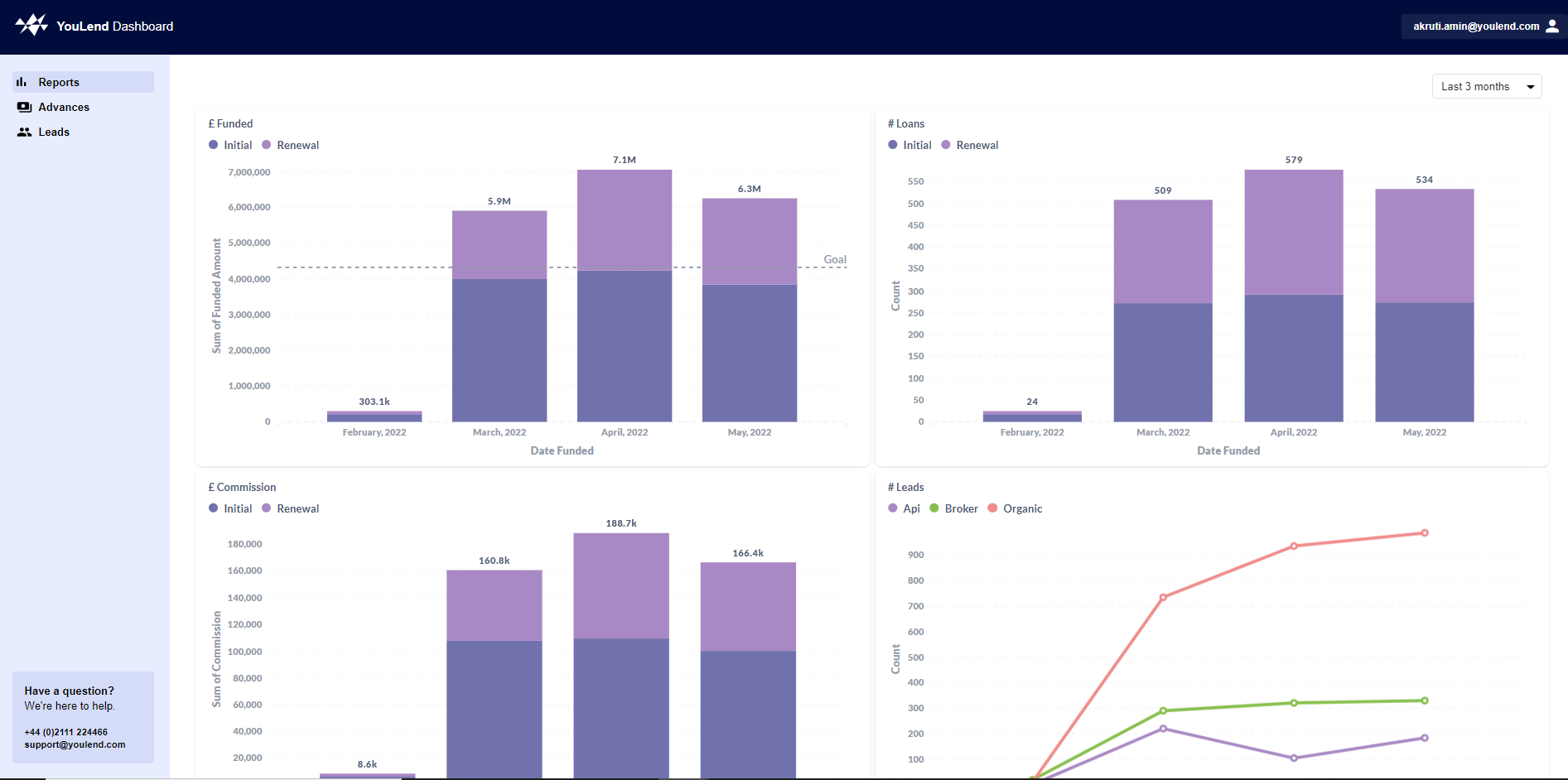
- Reporting: monitor funded volume, lead volume, commission, and performance over time.
- User permissions: control what each user can view, submit, download, or manage.
Good to know
Every partner receives access to their own dashboard. The dashboard is available in multiple languages and has separate staging and production environments.
For more detail, see:
Updated about 2 months ago